A long row of wine bottles lining a dimly lit wall

The features

Built for the way you actually drink

Every WineTracking feature, in one place. Replaces four spreadsheets, two apps, and a notebook.

Label Scanning

Just take a picture of the label if you want information about a wine. Let WineTracking instantly identify the bottle and add the vintner, vintage, and value. Then let us continue and add expert ratings, food pairings, and details about the region and that particular vintage. If you decide to buy, just click Add to Storage and the bottle will be added to your collection.
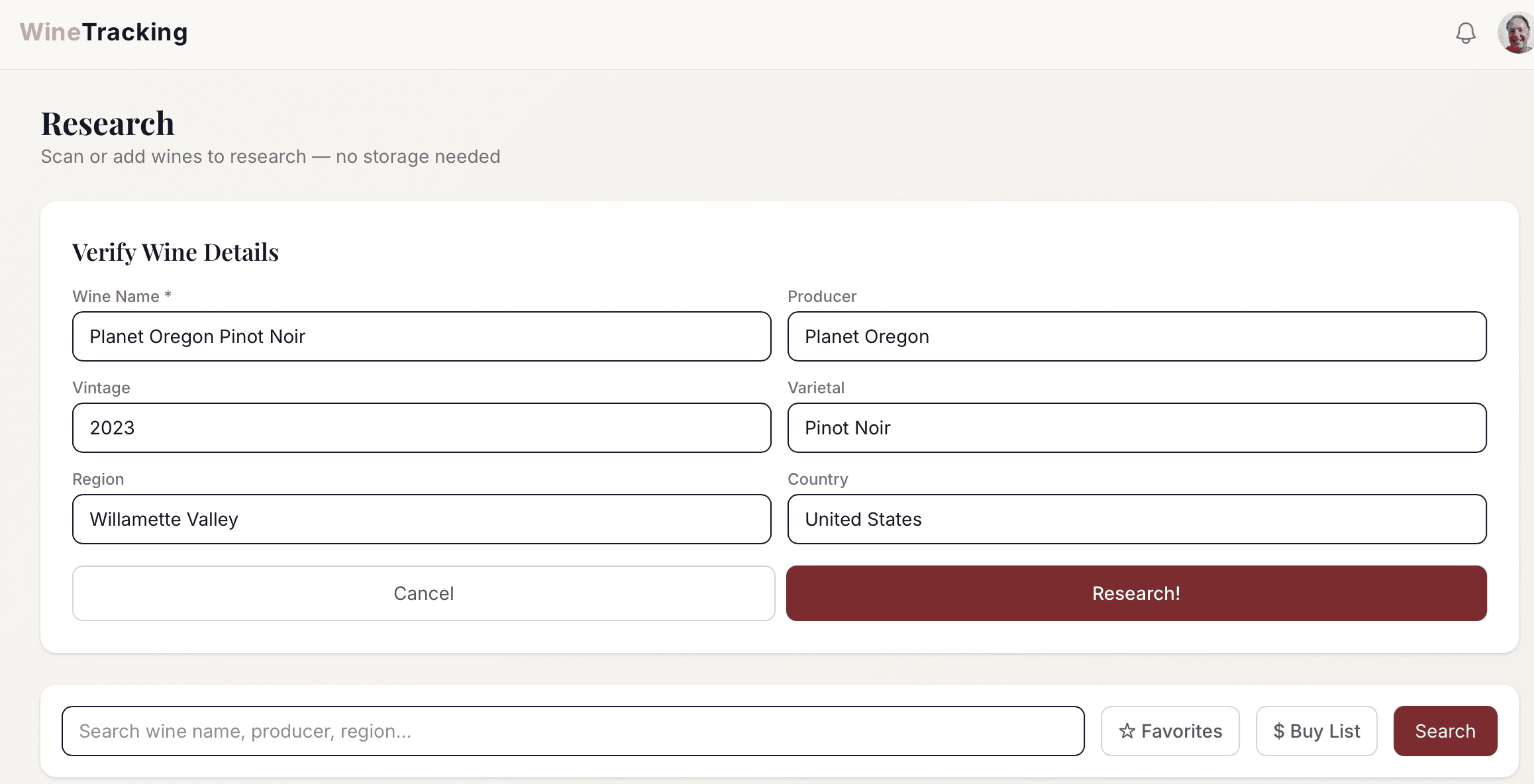
AI scanning a wine label and displaying producer, vintage, ratings, and food pairings

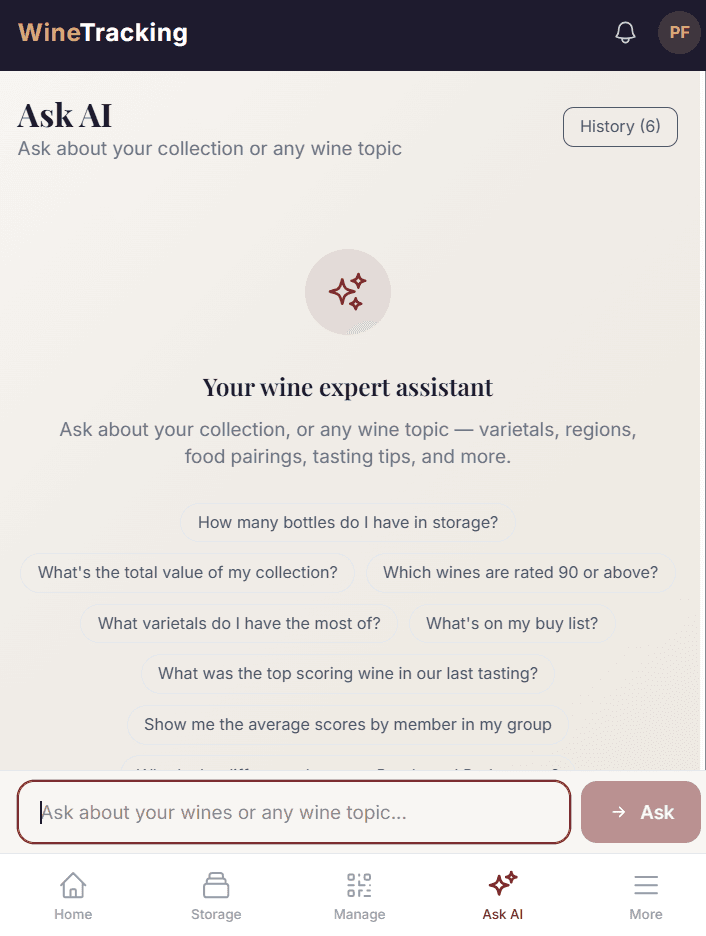
AI Integration

You may know your stuff, but isn't it nice to have confirmation? Become a master of your collection and get expert answers to questions like:

  • What should I drink tonight?
  • Which bottles are approaching peak maturity?
  • What's my cellar worth today?
  • What Bordeaux should I buy next based on what I already love?
  • What are my best wines under $75?
  • Which bottles are at risk of being held too long?
Ask AI answering a question about your collection

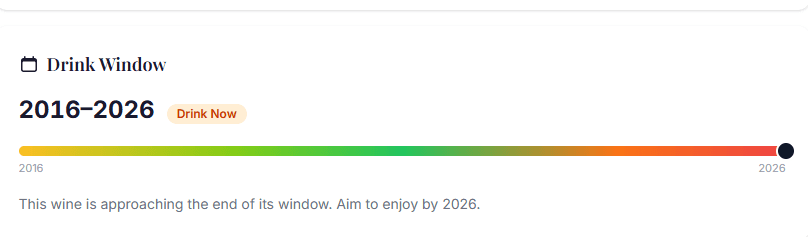
Drink-window tracking

Never let a bottle pass its peak. Automatically mark your wines as ready, aging, at peak, and past prime.

Inventory list with color-coded drink-window status

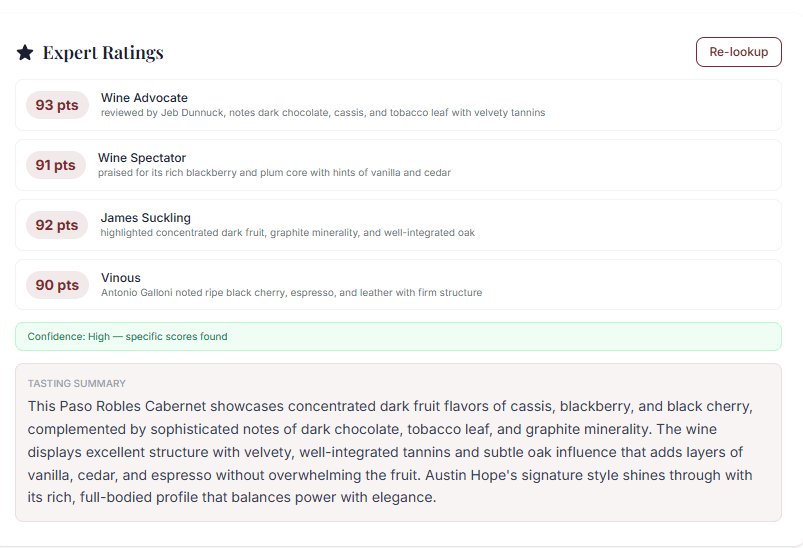
Expert and Personal Scores

Get all available expert reviews in one place — scores and tasting notes from Robert Parker, Wine Spectator, James Suckling, and more — then add your own notes and scores using the WSET Systematic Approach to Tasting (SAT) template.

Bottle detail page showing expert ratings alongside personal score

Wine Societies

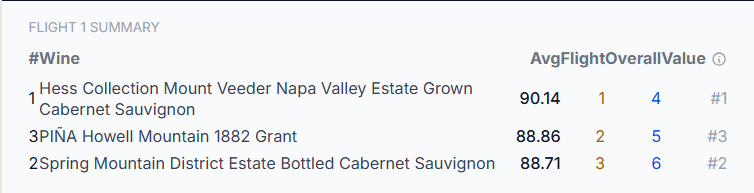
Create your own wine groups and host tastings. Set up your group, send the invitations, enter the wines, have the group members enter their scores, and send out summaries. Even aggregate historical scores. You can do this with blind or open tastings, all from WineTracking.

Flight summary ranking wines from a group tasting event

Your Storage, Your Way

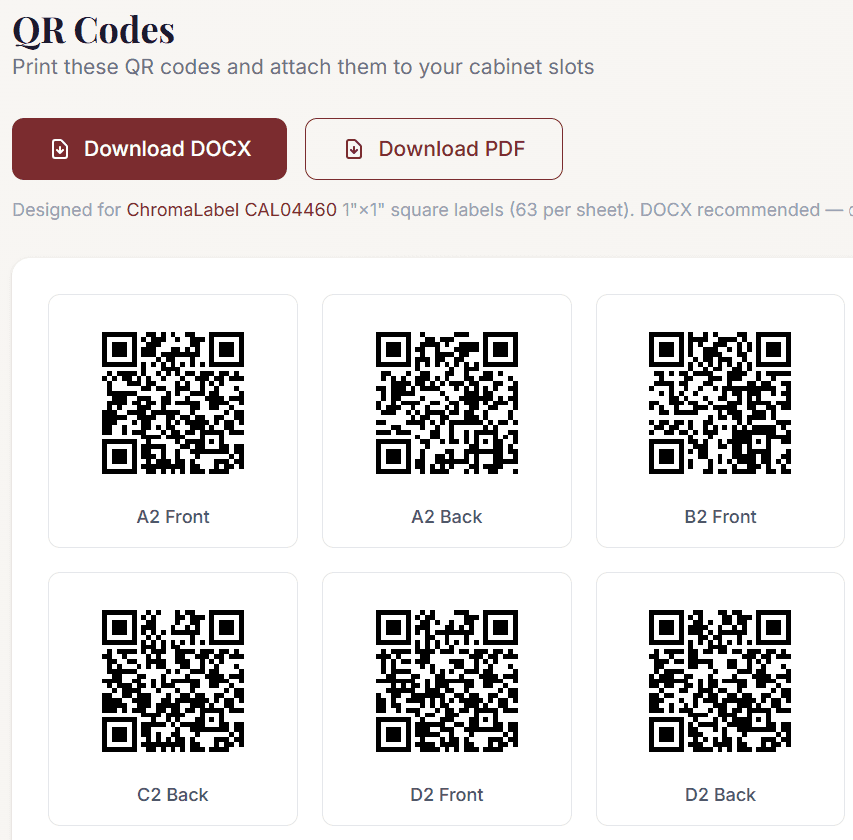
Add all your units to WineTracking by taking a picture of your unit and customizing the drawer and shelf depths and orientations. Both 2D and 3D views are available. You can zoom, orbit, tilt, and click on any bottle in 3D. Every bottle is labeled so you may scan names at a glance. WineTracking will also provide QR codes that let you place a bottle in any slot with only a single scan followed by a print and stick. WineTracking will also let you upload a file with your collection directly, without delay.

Cabinet visualizer showing 3D-rendered bottles in QR-coded slots

Installable mobile app

In addition to the desktop version, add WineTracking to your home screen on iPhone or Android and it works as a full mobile app — camera scanning, full-screen experience, no app store required.

WineTracking running on a phone, showing the 3D cabinet view

Ready when you are

Bring order to your cellar